DEUTSCHE TELEKOM

Creating a Multi-Brand Design System, including foundations and documentation for the world's leading telecommunication company.
2023/24  •  1 year project  •   Multi-Brand Design System   •   Governance
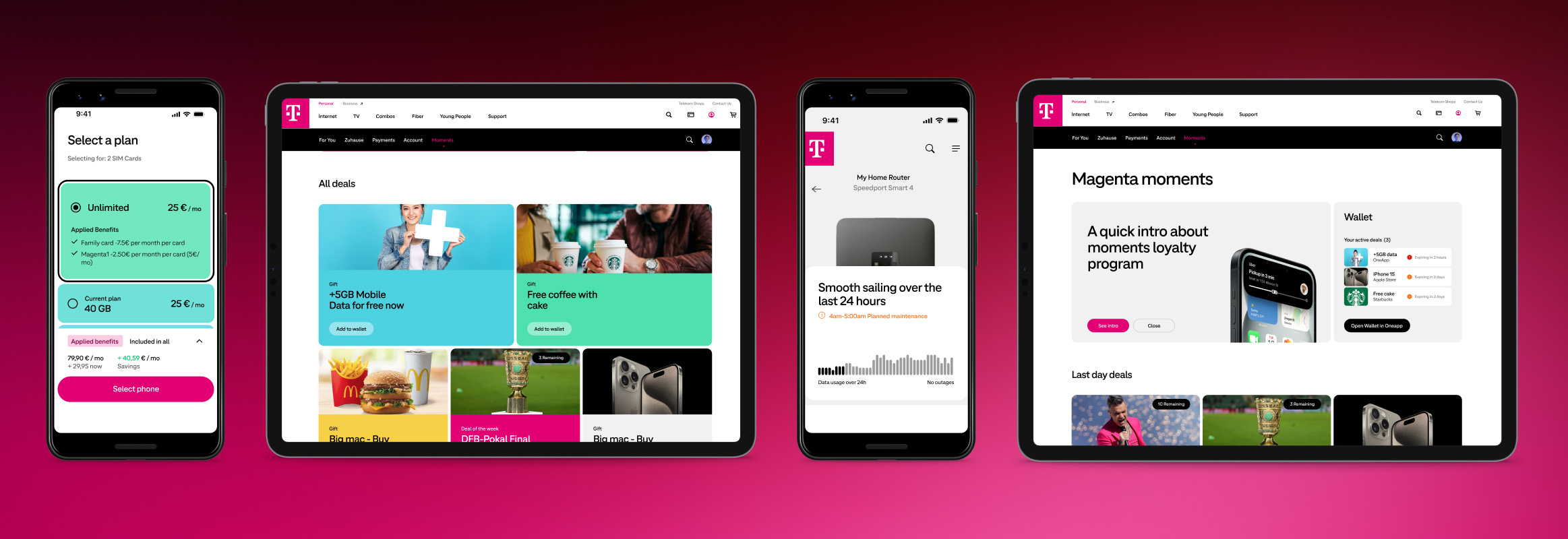
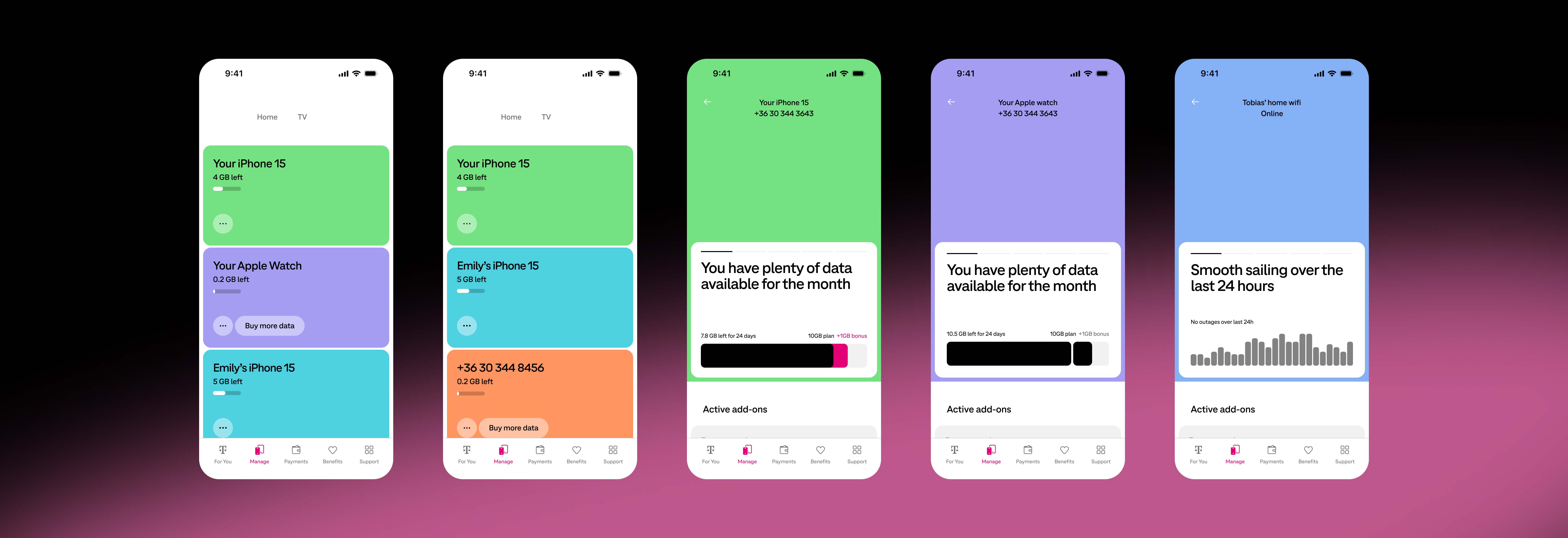
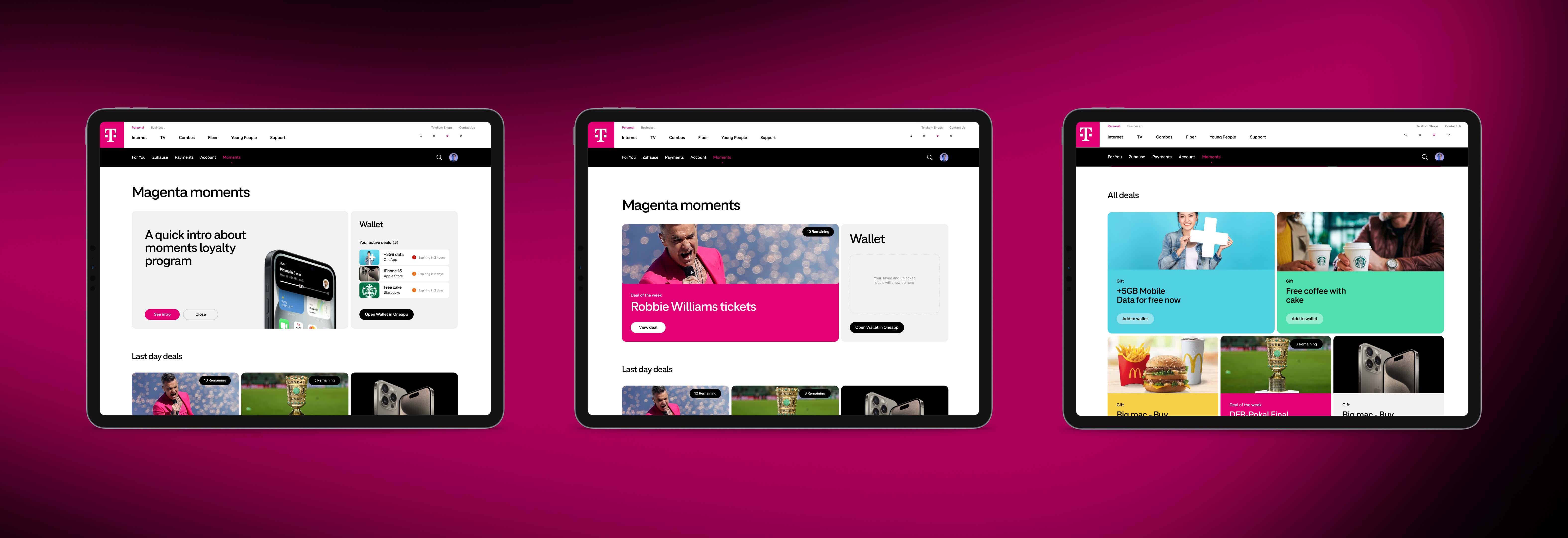
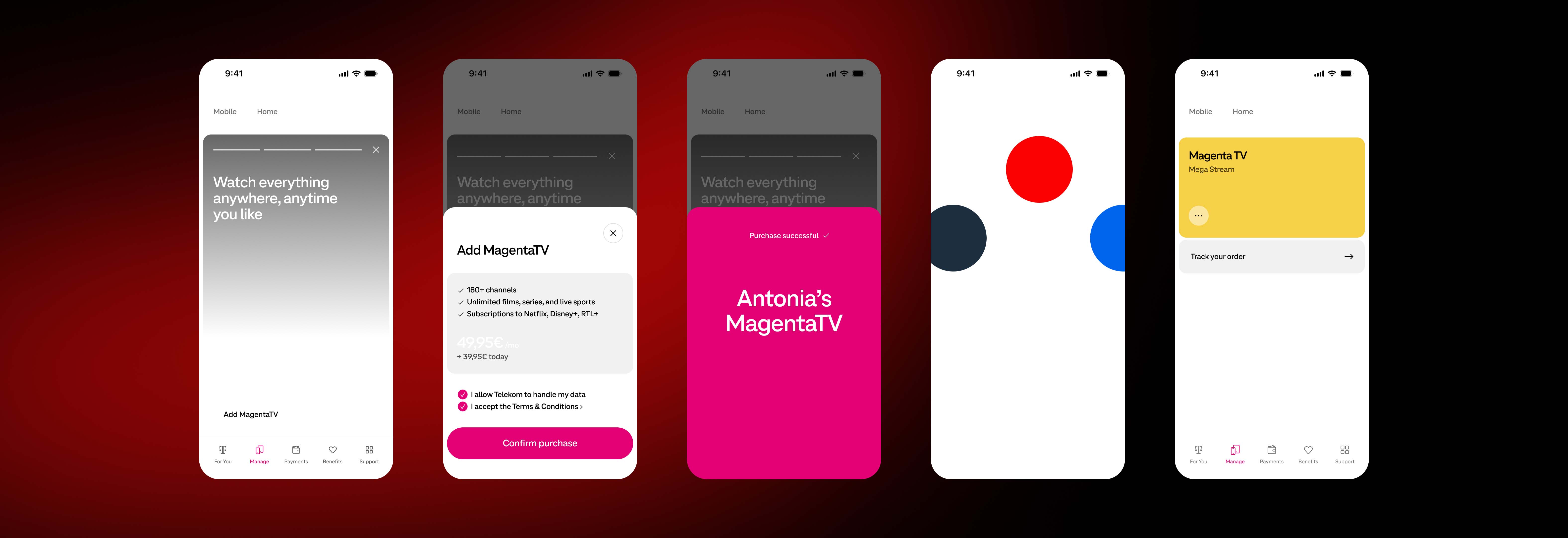
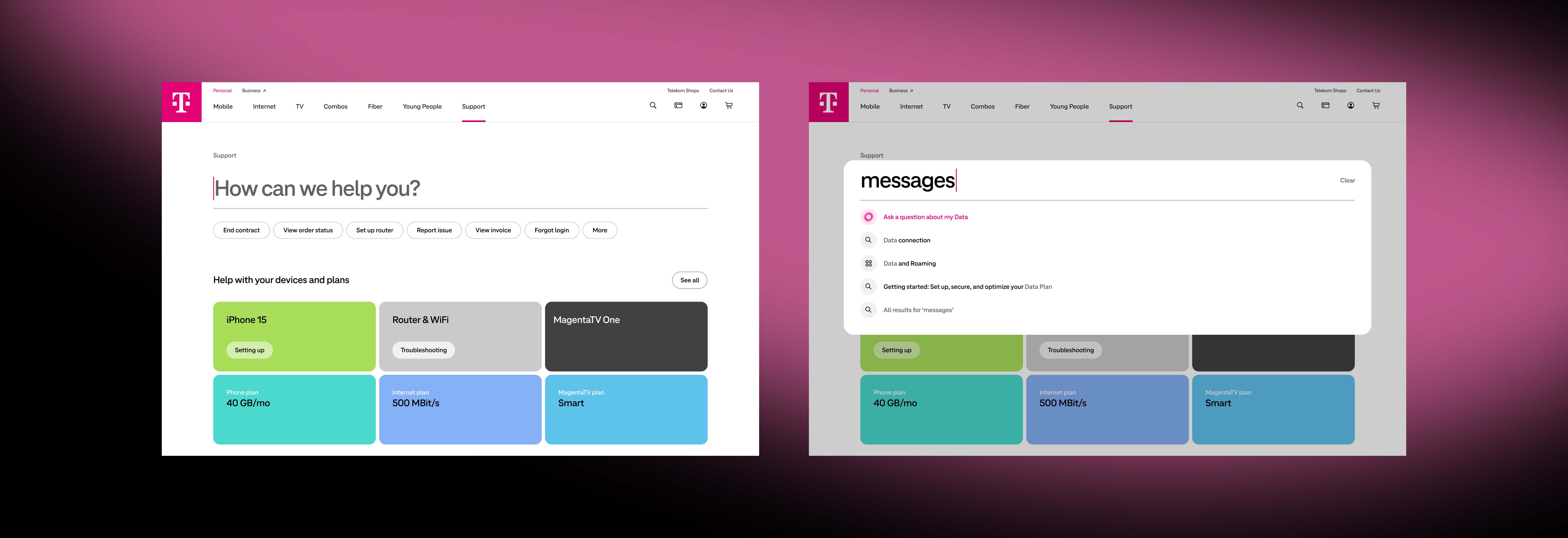
Final project outcome.
Scope in Short
Supporting a scalable, Multi-Brand Design System across web and mobile.
Deutsche Telekom, a leading global telecommunications company, needed a sophisticated Design System to support the design of numerous digital products across teams and brands. It must reflect the unique Telekom brand, enhance collaboration between design and development teams, improve consistency, reduce costs, while speeding up time-to-market.
The team consisted of four designers, I was the senior designer supporting the design lead. We had weekly check-ins with the Deutsche Telekom head of design to present work and implement feedback. I helped design and implement the following deliverables:
The Challenge
  • The existing system was outdated and hard to use, it was therefore thoroughly dismissed by internal and external teams.
  • The Design System needed to be built to efficiently support multiple brands.
  • Complex components and detailed documentation was required.
  • The system needed to support 18 colour schemes.
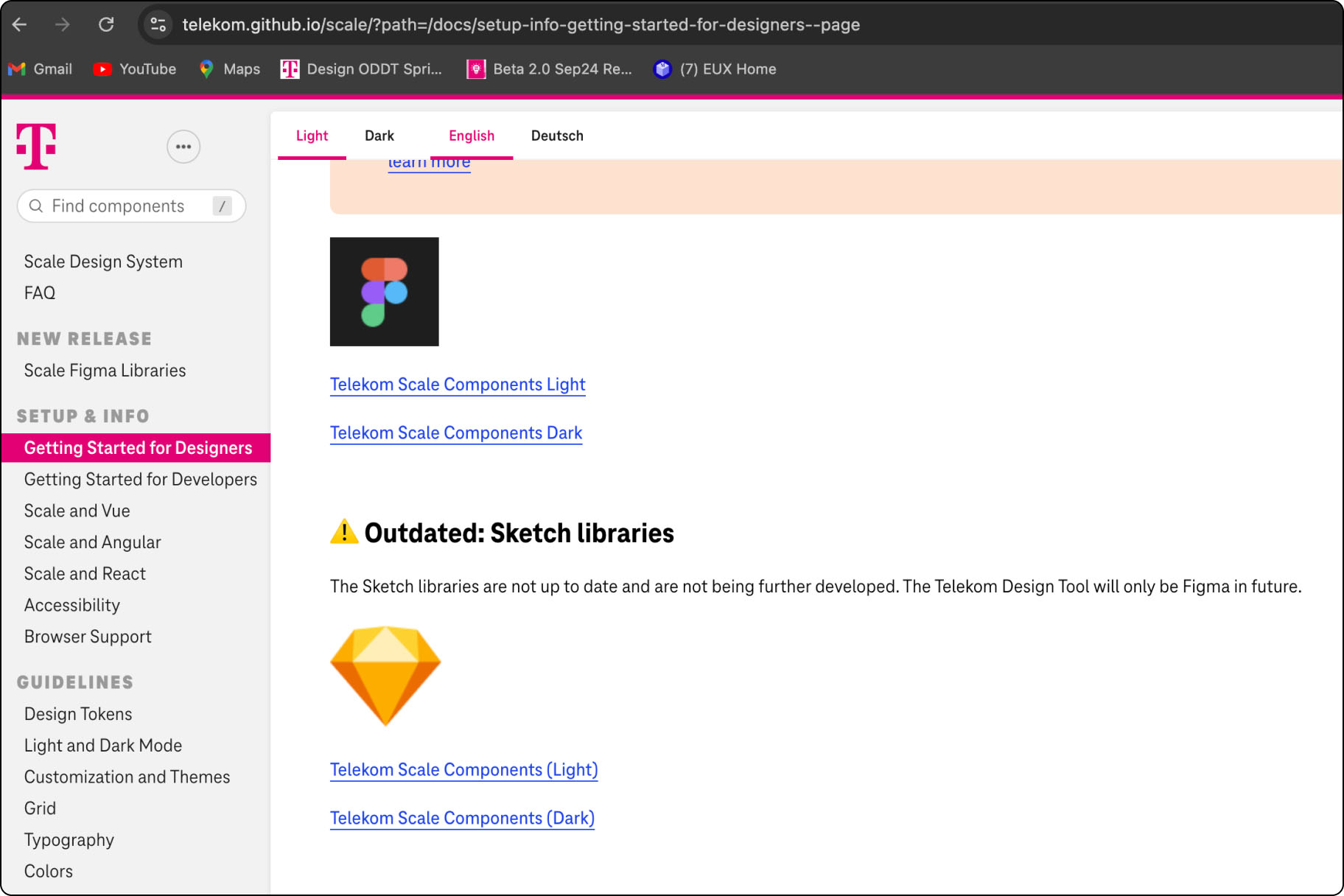
Images below show the old Deutsche Telekom component libraries, button component and use of semantic tokens:
The Solution
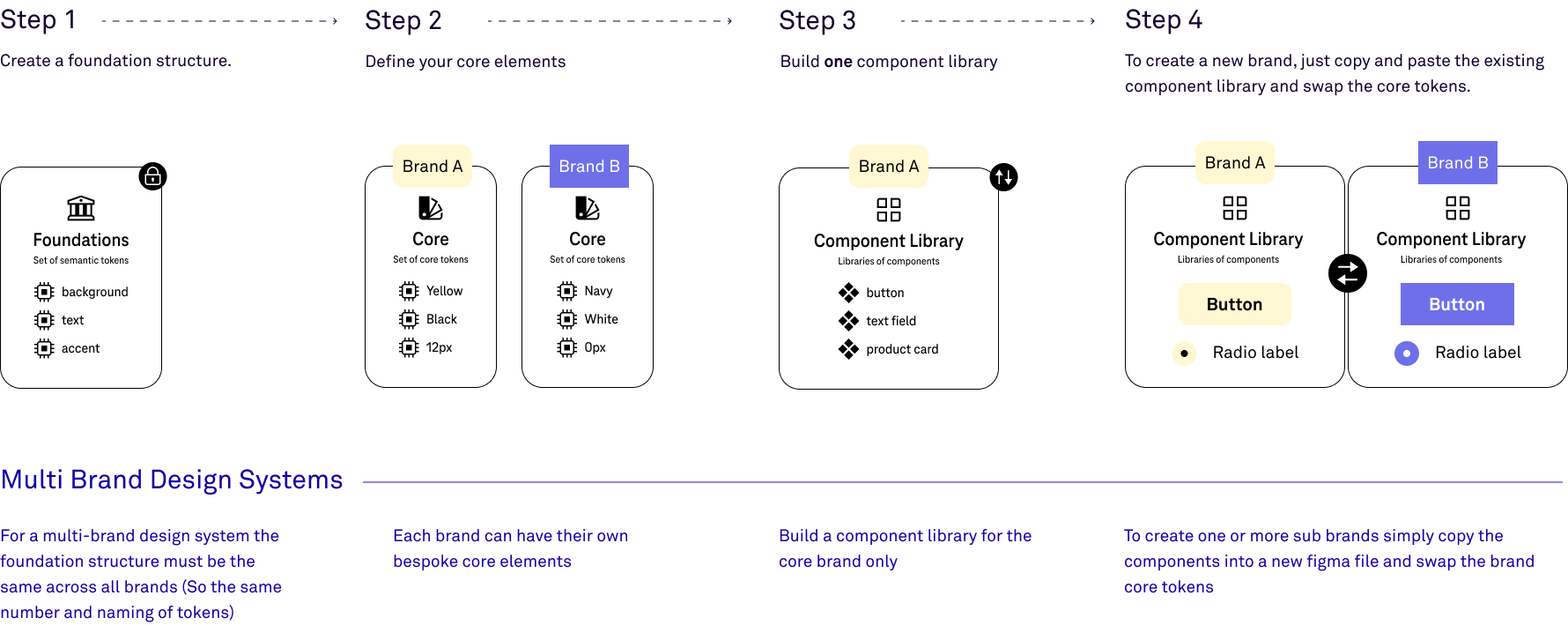
Using design tokens, variables, colour modes and library swapping in Figma to create a flexible, scalable, and easy to use Multi-Brand Design System.
Library Methodology
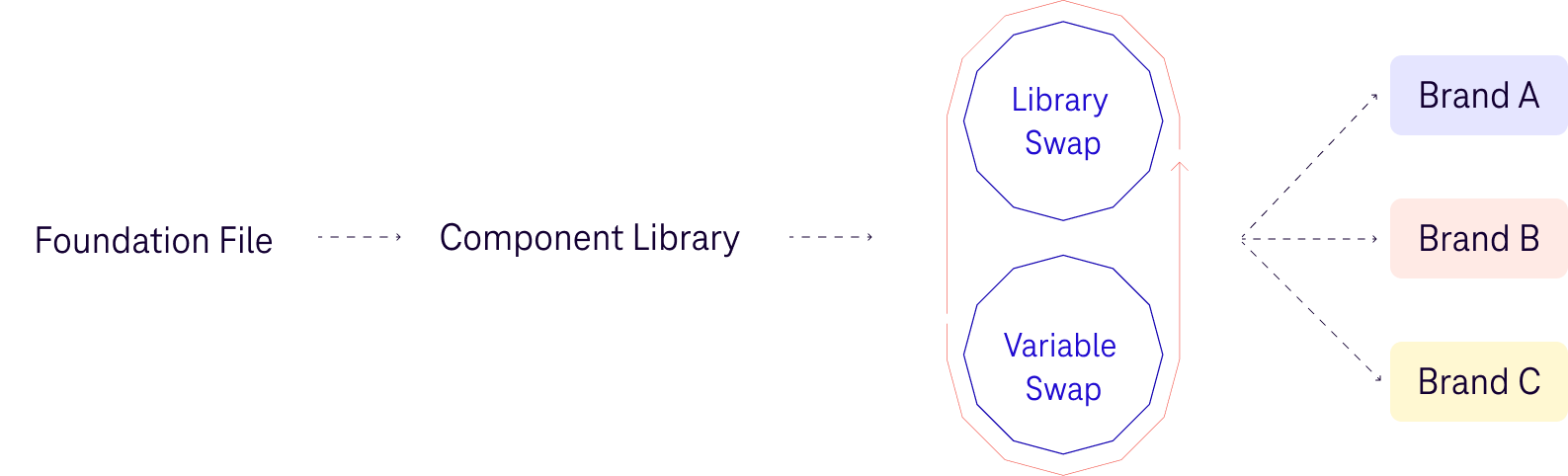
The overarching structure and tokenisation of different libraries must be consistent, it allows for seamless component and library swaps between brands (the user only need copy and paste components across). The number, names and structure of tokens remain identical across all brands, only the values change.
Video example showing a Deutsche Telekom library swap in action.
Design Tokens and Variable Setup
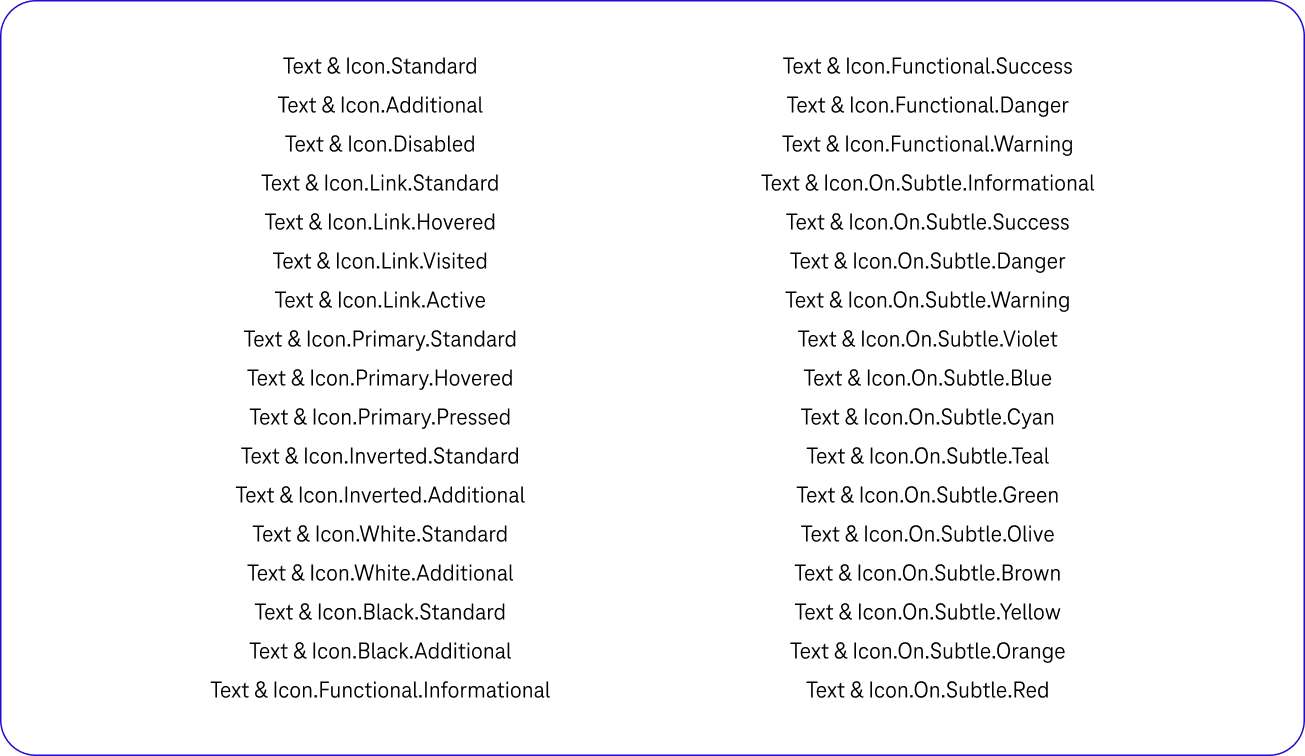
The old Deutsche Telekom semantic token set up was overly complicated and hard to use, with much duplication and a huge amount of tokens to choose from. The Design System did not use variables.
Old complicated token set up
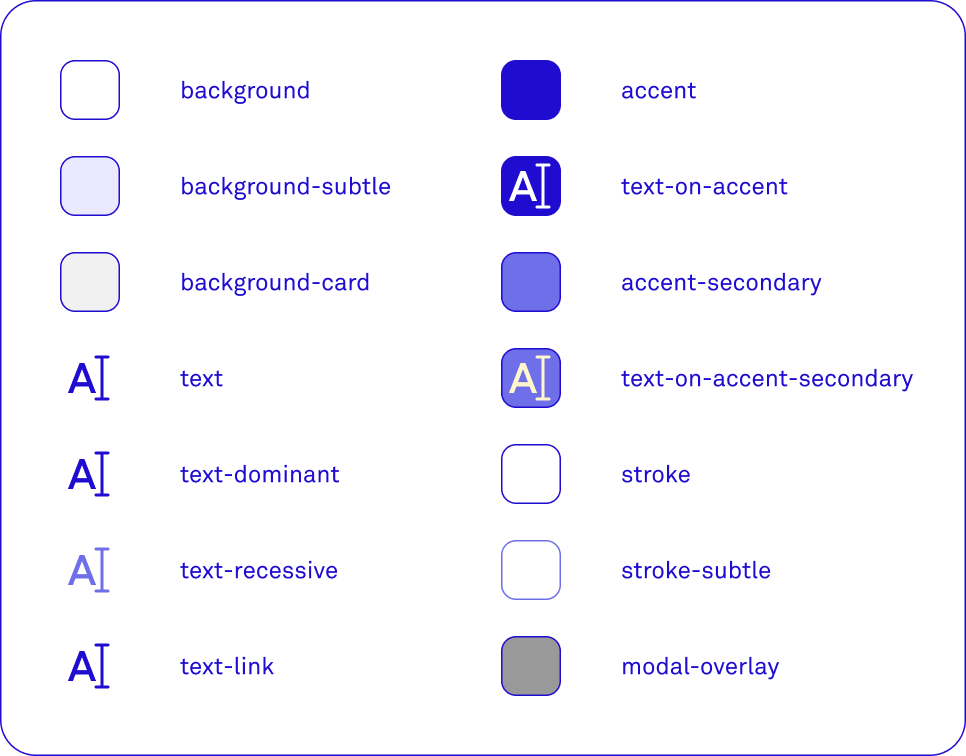
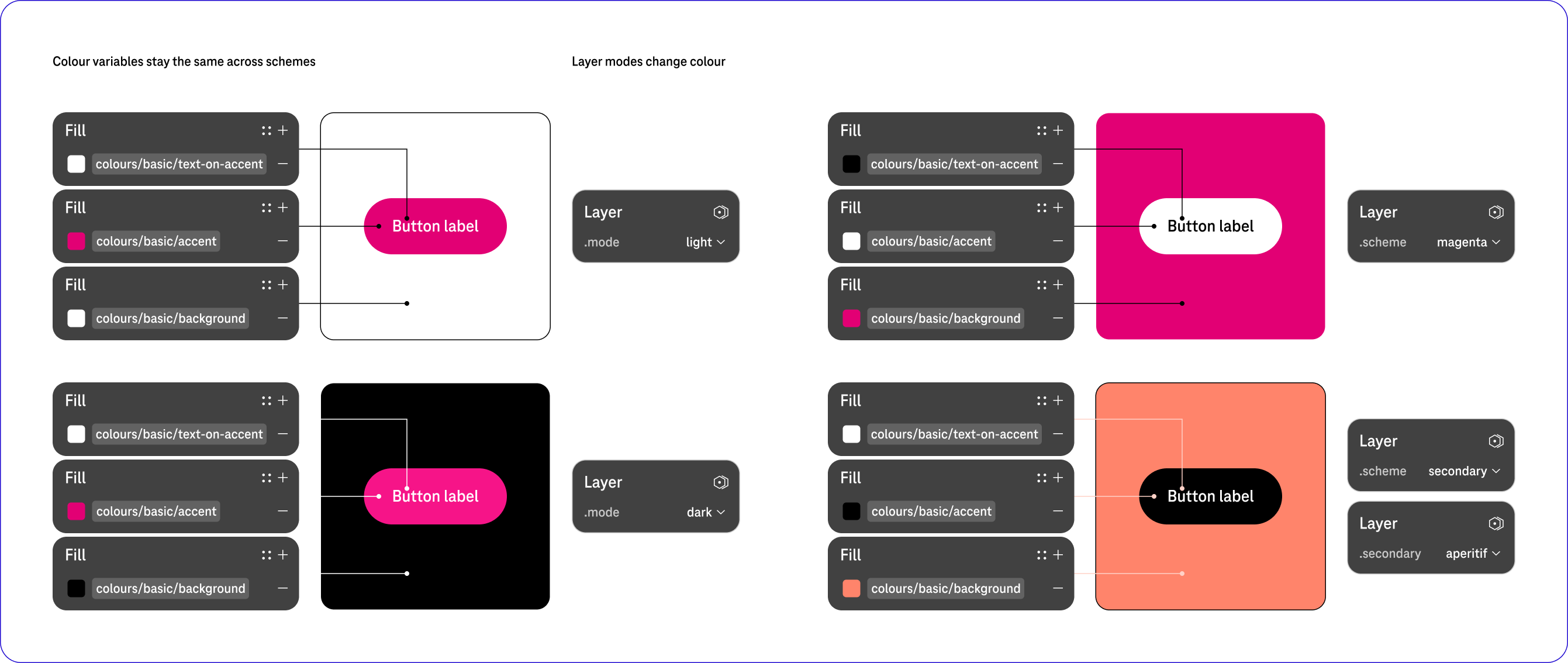
New simplified variables, adaptable via layer modes
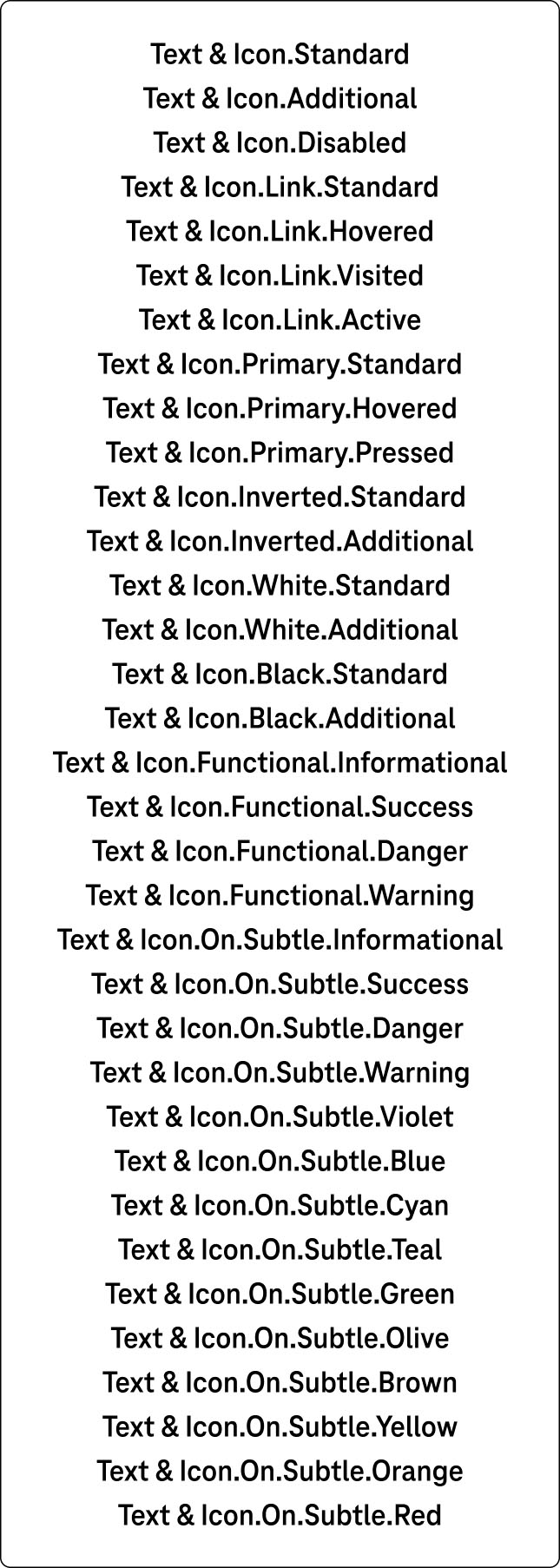
We have replaced this with a simple set of semantic tokens that designers can use to style their pages and components. It includes colours, layout, sizing, spacing, typography, border radius and elevation variables.
This variable set can adapt (using layer modes) to different
light/dark modes, colour schemes and breakpoints. The variables are linked to a JSON file which is integrated with the codebase, this setup allows for seamless synchronisation between design and development.
The foundations variable set can adapt (using layer modes) to different colour schemes to suit the brand. The Design System created from Deutsche Telekom has three primary colour schemes (white, black and magenta) and fifteen secondary colour schemes to support.
Layer Modes and Colour Schemes
Below is an example of the button component moving across colour schemes and reacting according to its pre-defined colour variables.
Components
When building Components, we wanted to make them as easy to use and as flexible as possible for the designers to implement. The old components were over-engineered and tried to address every possible functionality (which due to Figma’s current limitation is not possible).
Reduce Complexity
The table below is an example of how complicated the components had been built, designers were just disregarding them and creating their own from scratch.
We re-built the table to be centred around the actual workflow of designers, placing simplicity and flexibility at the heart of the design. Fewer options and more freedom at the same time.
Enable Flexibility
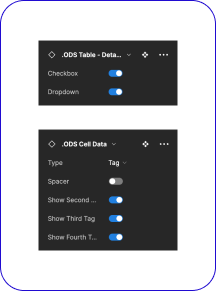
Consistency is a key objective, one that is often lost through designers detaching and creating new components. We therefore incorporated a fillable slot into several components that could to be amended to suit its specific use case, allowing designers to drop in bespoke elements. Ensuring consistency and allowing flexibility.
The Power of Variables
See a page mockup respond across breakpoint and colour scheme with the correct application of variables.
Components and Interactive States
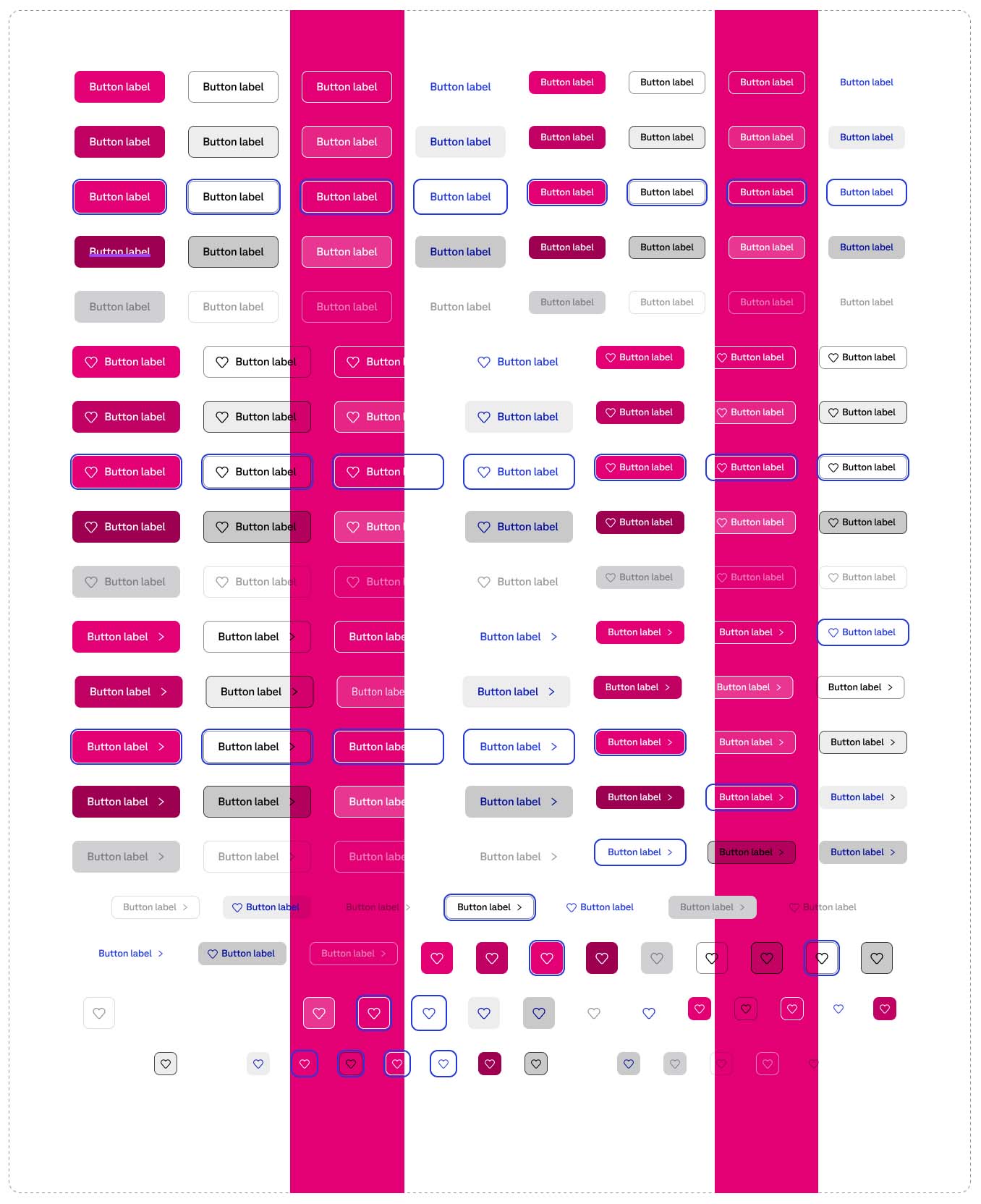
Fifty complex components were built to create an extensive and detailed component library, ensuring components for all Deutsche Telekom digital products were covered. Below is an example of some of these components along with their interactive states.
Documentation and Guidelines
Detailed documentation was provided for every part of the Design System from component creation guidelines, foundational elements and the components themselves.
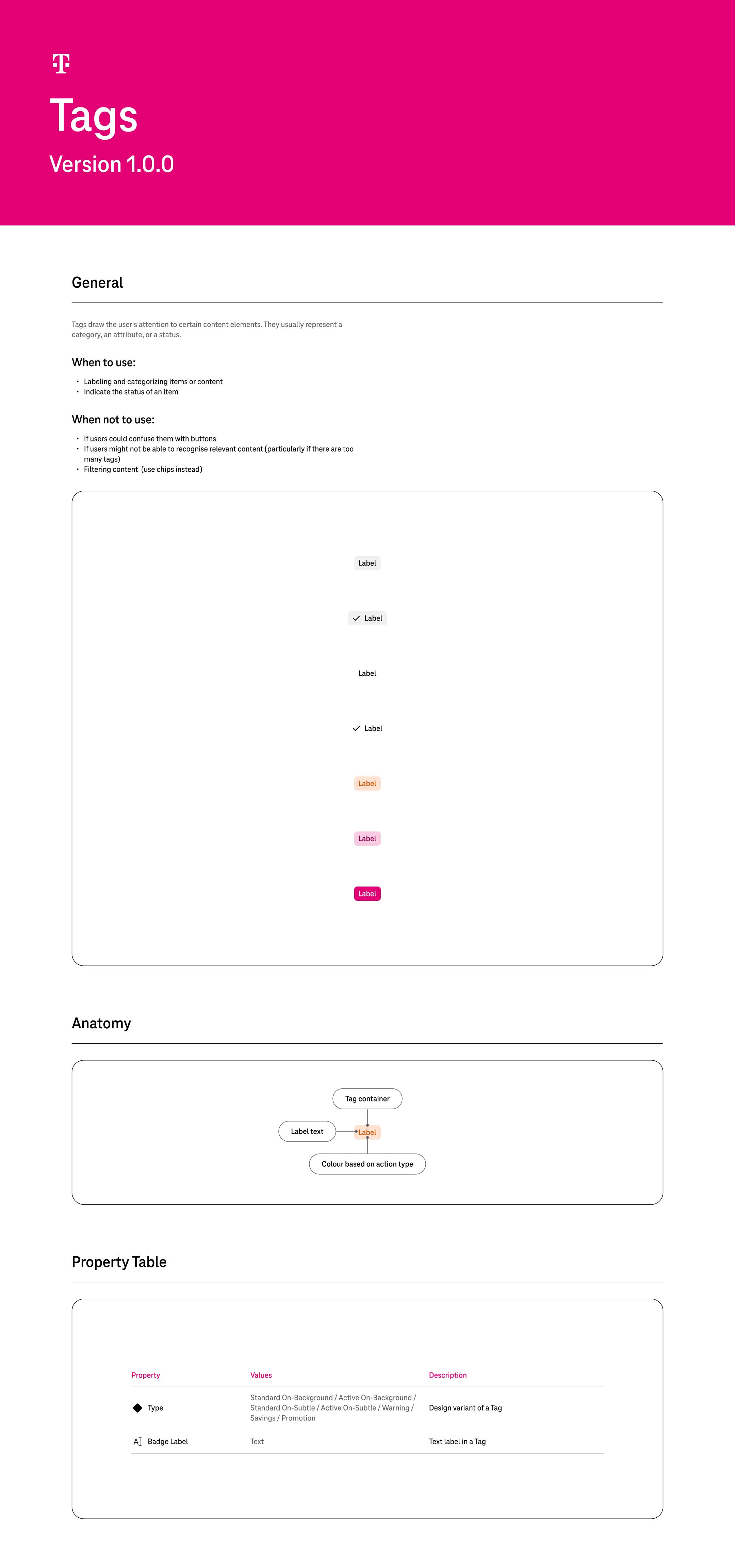
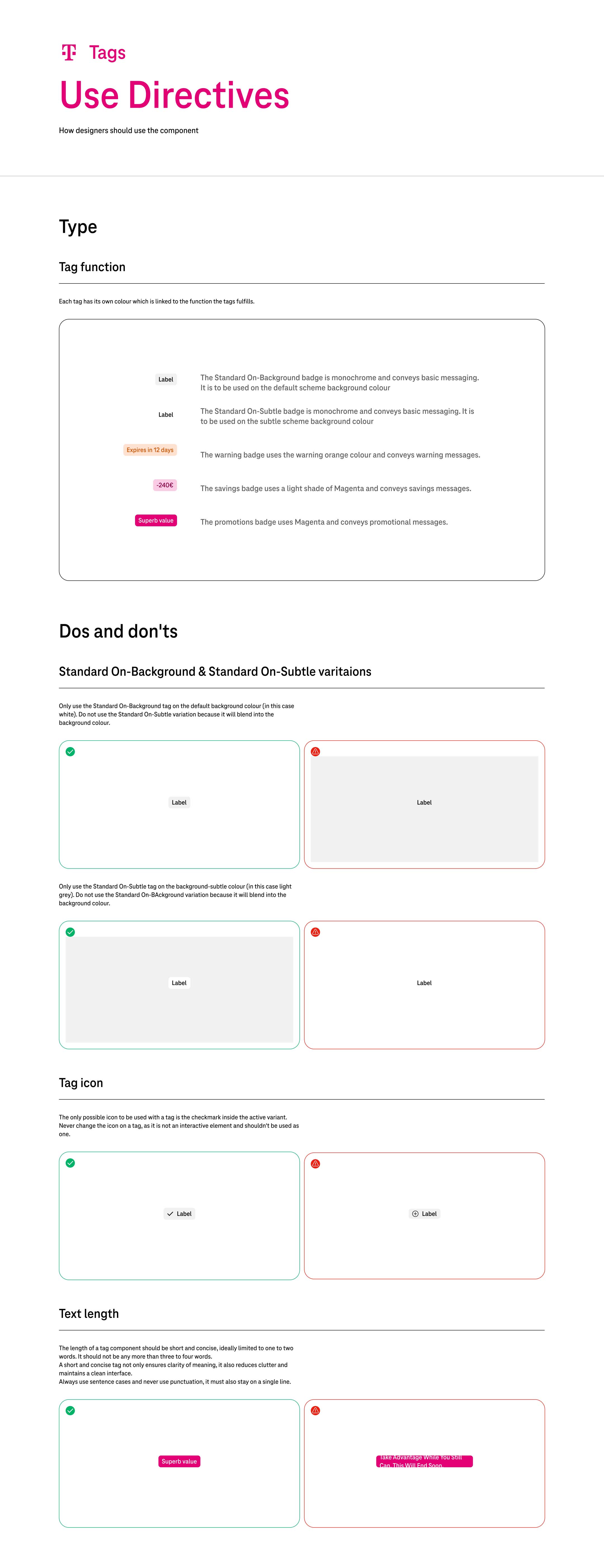
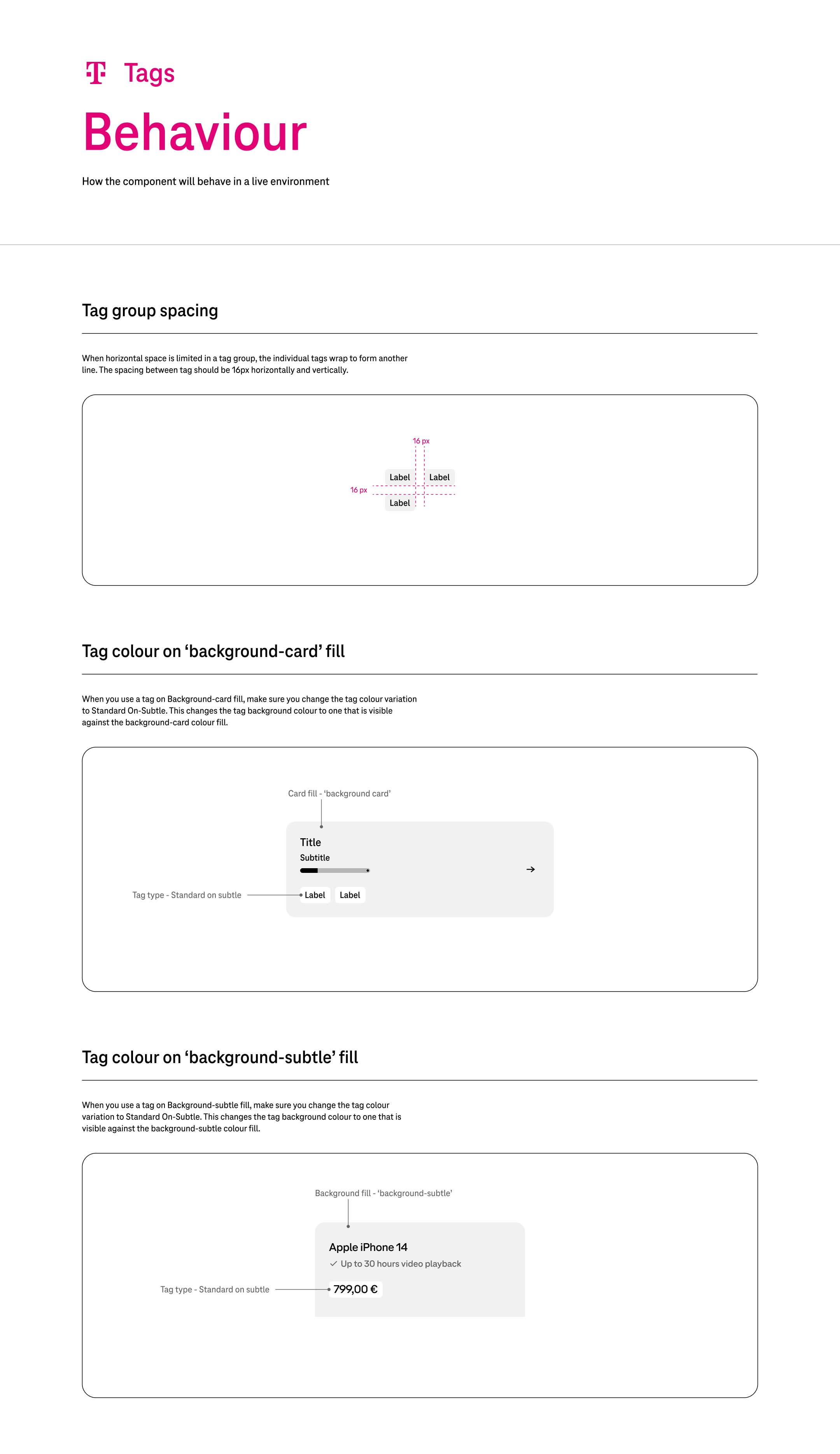
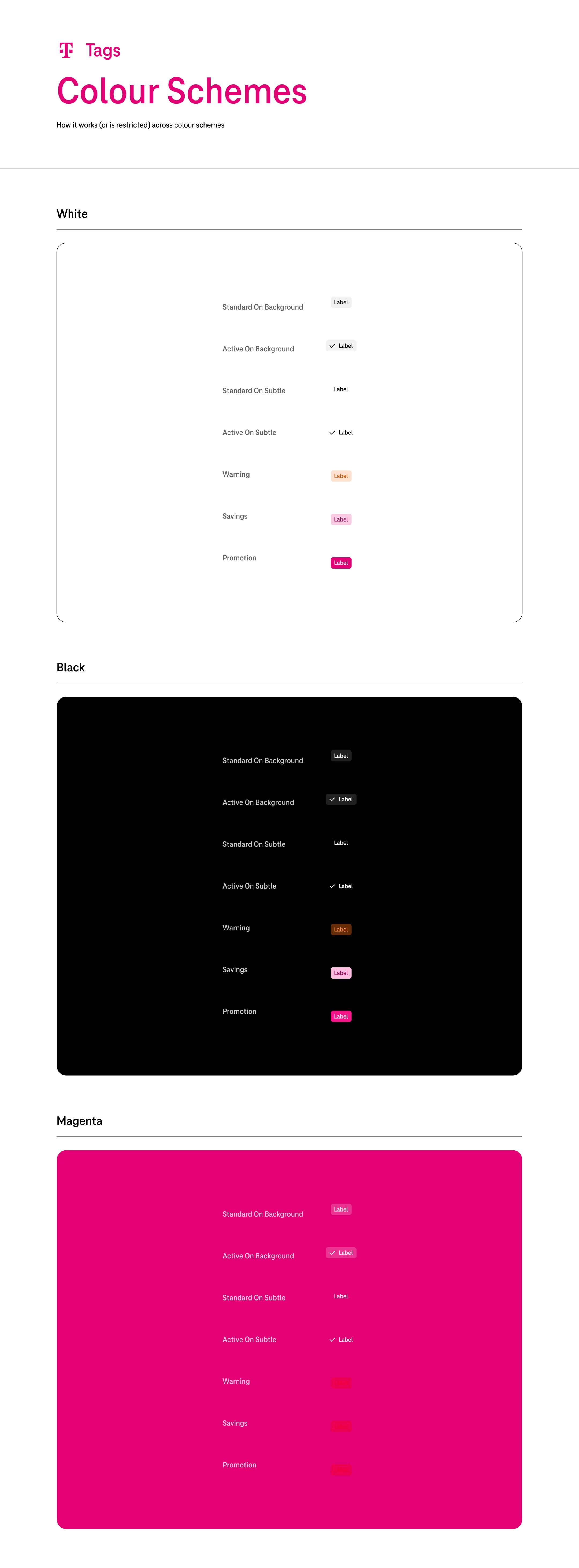
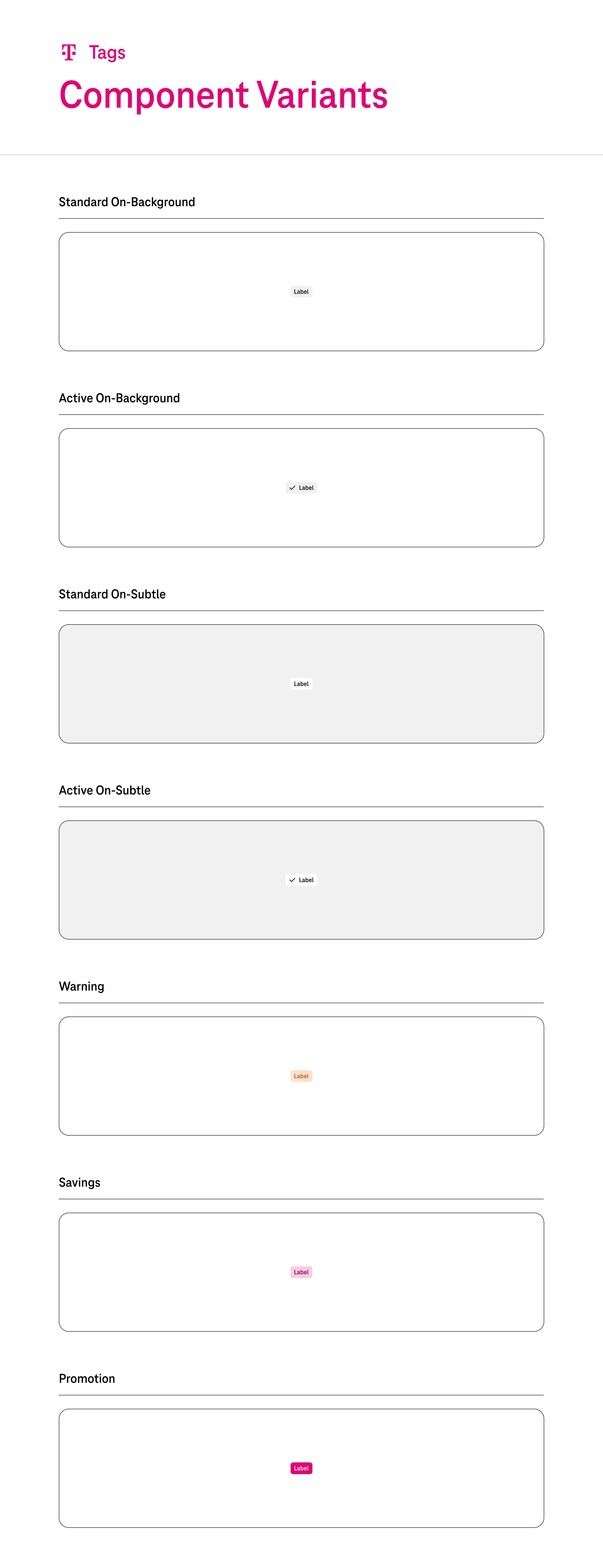
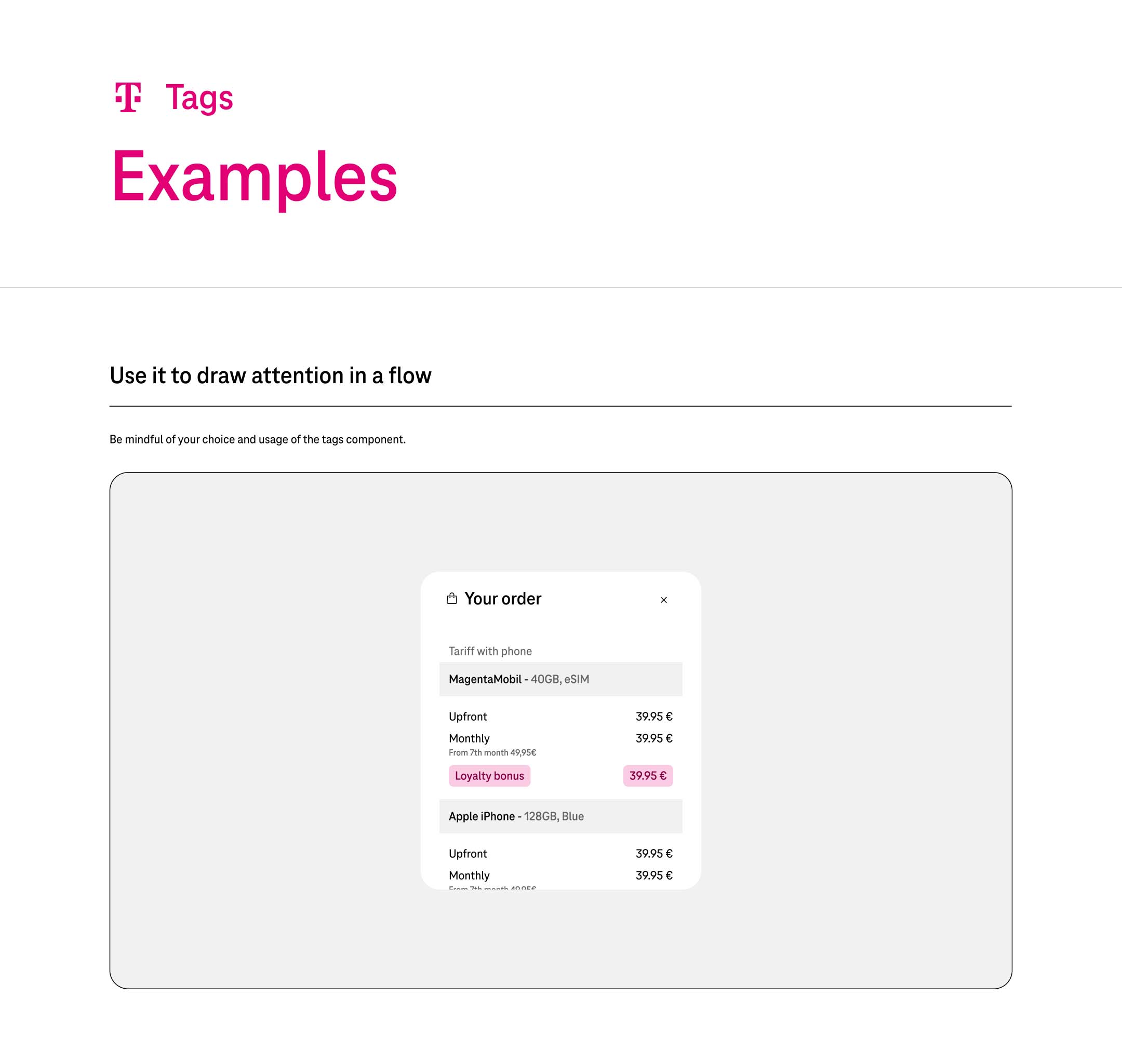
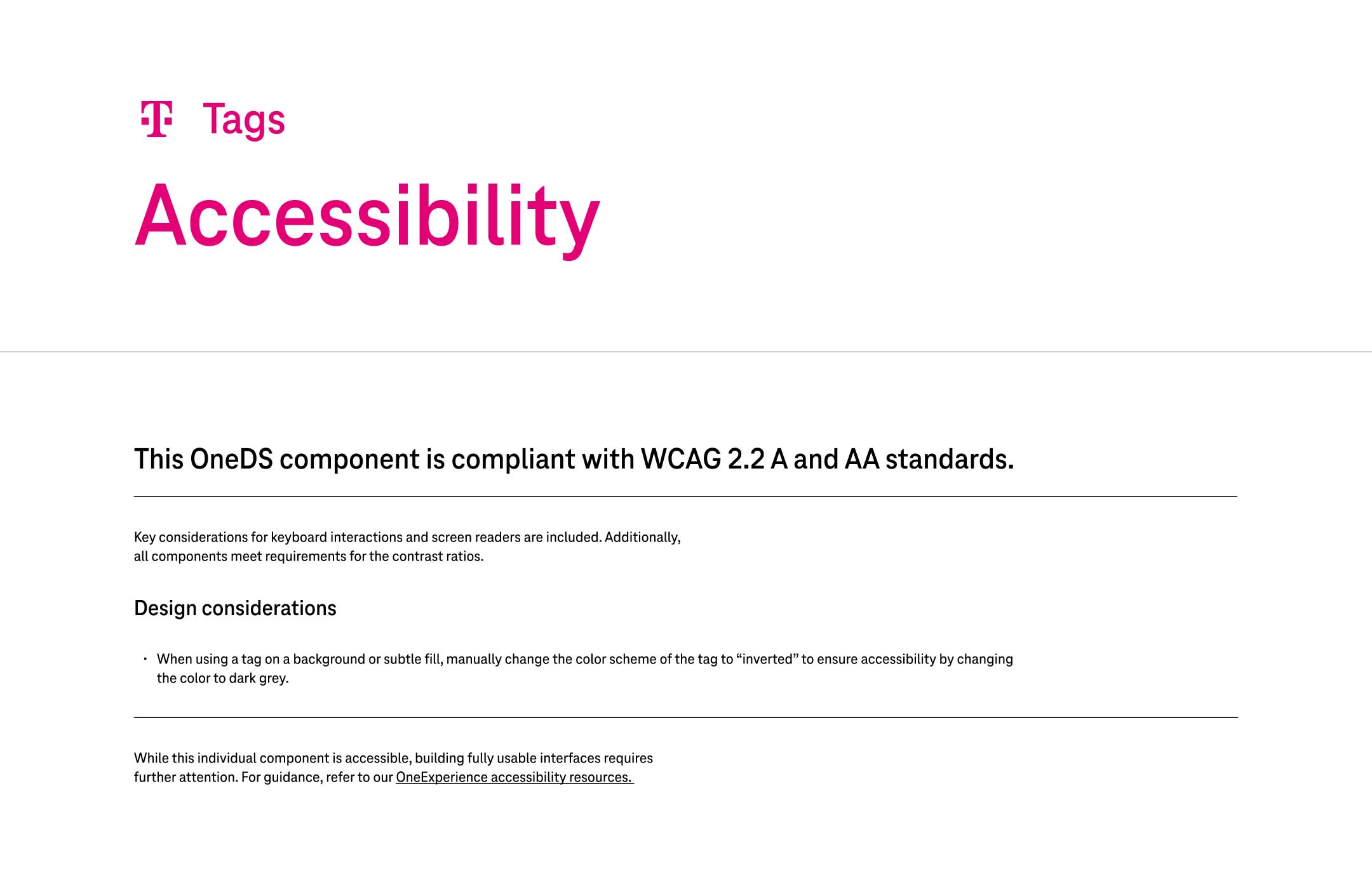
For every component we outlined use directives, behaviour, colour schemes, component variants, examples and accessibility guidelines to provide the designers with as much resources as possible for them to be successful. See the Tag documentation example below.
Click on images to enlarge.
Final Designs
Business Impact/Results